v0.1.29 — Your models, across the whole build
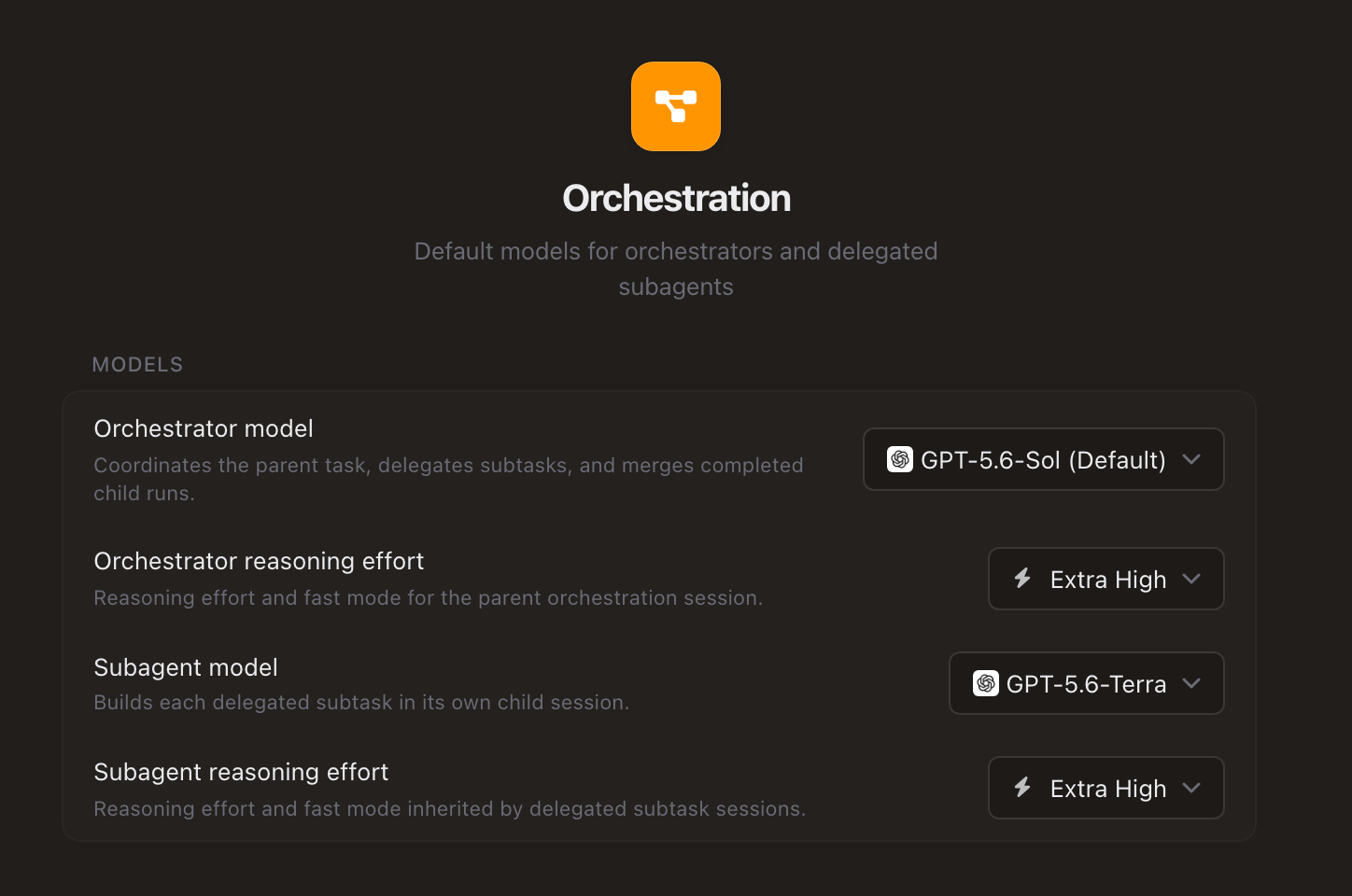
Spend frontier-model intelligence where it matters most. Orchestration settings now let you put your strongest models in charge of planning and reviewing the result while efficient, lower-cost models handle delegated implementation. The orchestrator checks the builders' work before it comes back to you, helping reduce token usage and cost without giving up a strong final pass.
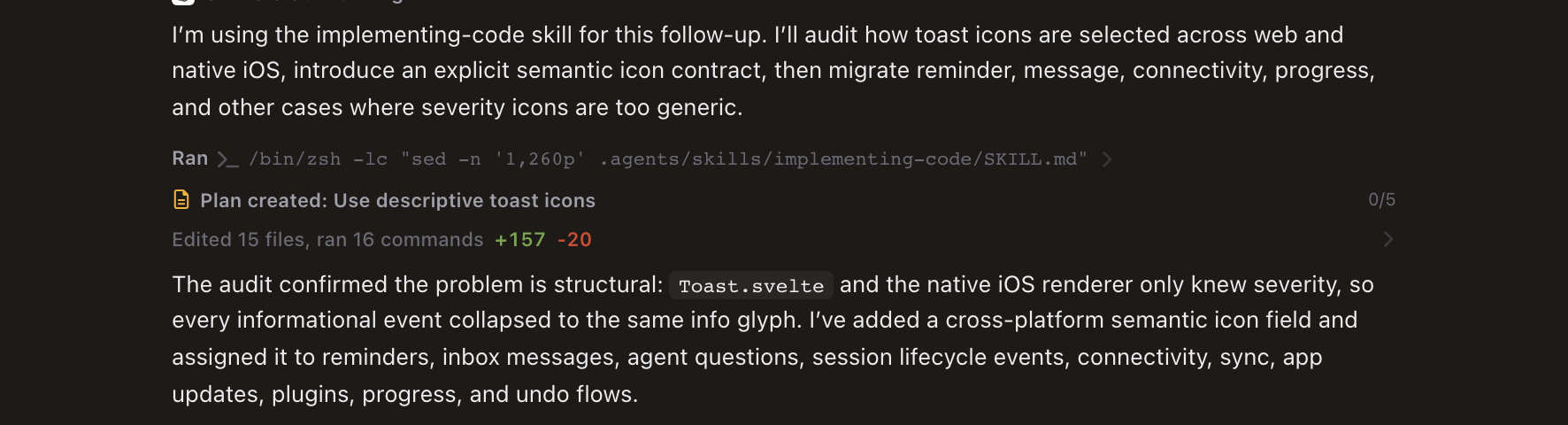
Session history tells a cleaner story—while live work stays readable. Completed turns condense thinking, reads, searches, edits, commands, and tool calls into one expandable activity summary. While a run is active, compact agent and terminal cards show the current task, model, command, and latest output in place; open a card when you want the full child session or terminal. Plans and generated artifacts remain visible as first-class cards, and the file-edits bar summarizes repeated task and automation changes without losing their original order.
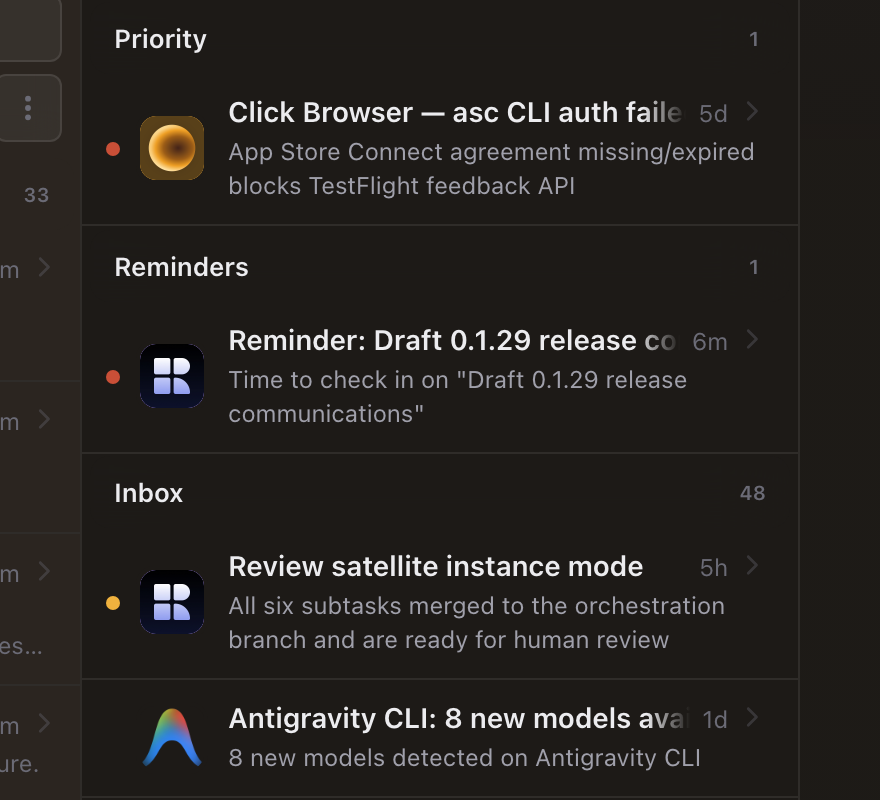
The Inbox is easier to scan. Messages are organized into collapsible Priority, Reminders, and Inbox groups with sticky section controls. A quick jump returns you to the top of a long queue, while clearer action feedback—including retry, undo, and copyable error details—makes decisions feel less fragile.
Usage now connects activity to models and cost. Switch between requests, tokens, and lines changed across 30 days, 90 days, or a year. The redesigned panel adds contribution-style history, totals for tracked tokens and metered spend, and a model breakdown with provider attribution, request share, input/output tokens, and recent activity.
Remote Access is easier to set up, sign into, and switch. Turn it on from one focused card, scan a smaller QR code to open Recursive on your phone, or copy and open the remote link directly. Passkey pages now keep preparation, verification, reconnection, and device-switching status in the action itself, with product-aware branding throughout. Once connected, the sidebar switcher identifies each authorized Recursive app and machine by product, hostname, and connection state, so moving between remote targets no longer means guessing which device is which.
Also in this release:
- Agent sessions recover across restarts — Recursive can reconnect to supervised runs after the app or server restarts instead of assuming the work disappeared with the window.
- Many-agent workloads stay responsive — when lots of sessions start together, new turns wait for capacity instead of overwhelming the interface, event stream, or saved history.
- A more useful Changes tab — session change groups include goal and recent-work summaries, plus direct Commit, Stash, and Revert actions for each session's files.
- Cleaner settings navigation — workspace identity, projects, agent controls, and general preferences are grouped more clearly, with less duplication between pages.
- Clearer project context in the workspace header — one compact project control shows the active project, worktree, and branch on hover, with clearer current selections, default branches, checkout context, and create actions in its menu.
- Choose what happens to active sessions when you quit — leave runs working in the background and reconnect later, or stop them and their child sessions before Recursive closes.
- Answers stay in chronological order — responses to agent questions use the server's resolution timestamp so resumed work appears beneath the answer that triggered it.
- Whitespace-only drafts stay out of the way — an empty-looking composer no longer restores or persists as a real chat draft.
- File statistics stay accurate after commits — session edit counts reconcile committed work with the remaining working tree instead of losing or double-counting changes after a commit.
- Older artifacts show up again — sessions recover generated artifacts stored in legacy locations, while live-session queries filter out runs that are no longer actually active.
- More resilient delegated runs — child sessions finalize and resume more reliably after terminal exits, system sleep, delayed callbacks, and interrupted reflection passes.
- Plugin categories reflect every capability — marketplace filters recognize all capabilities a plugin provides, so combined theme and greeting packs appear everywhere they belong.
- Safer plugin loading — plugin metadata and server routes handle partial or malformed records more defensively.
- Stronger desktop recovery — the app detects unhealthy local servers more accurately, restarts with cleaner supervision, and preserves more diagnostic context when startup fails.