v0.2.3 — Mobile polish, deeper search, durable memory
Recursive 0.2.3 refines how the shell feels on your phone, how you find things across the workspace, and how agents keep long-form knowledge without bloating every prompt.
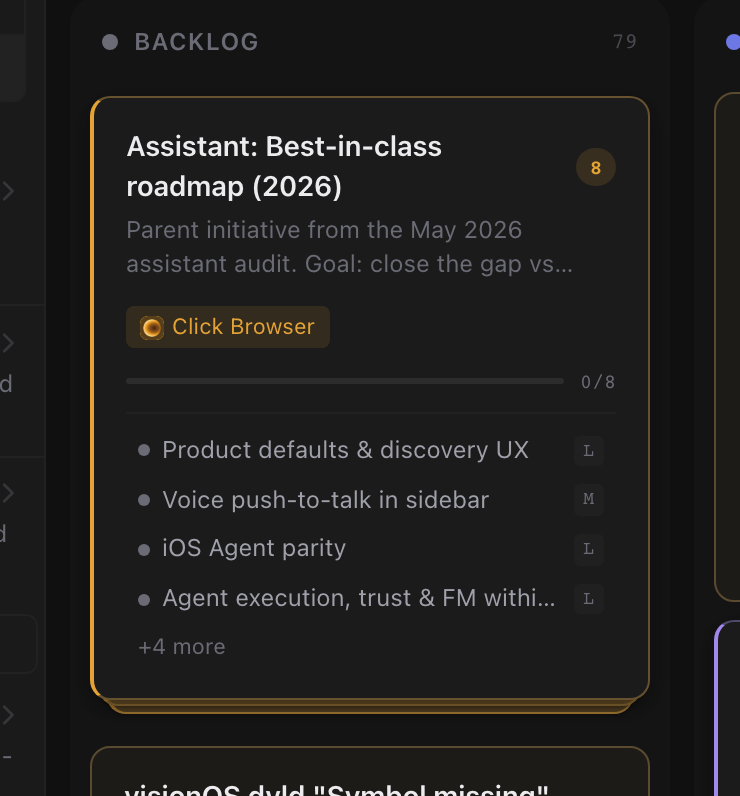
One source of truth for what you see. Recursive keeps one live picture of your tasks, sessions, memory, and settings. Switch tabs, open search, or return from a notification — every view shows the same counts, labels, and status instead of panels drifting out of sync.
A new tab bar on mobile. Bottom navigation now uses adaptive chrome that keeps your place as you move. Jump between Home, Sessions, Tasks, and other destinations, open Search from its own slot, and reach everything else through More when the bar fills up.
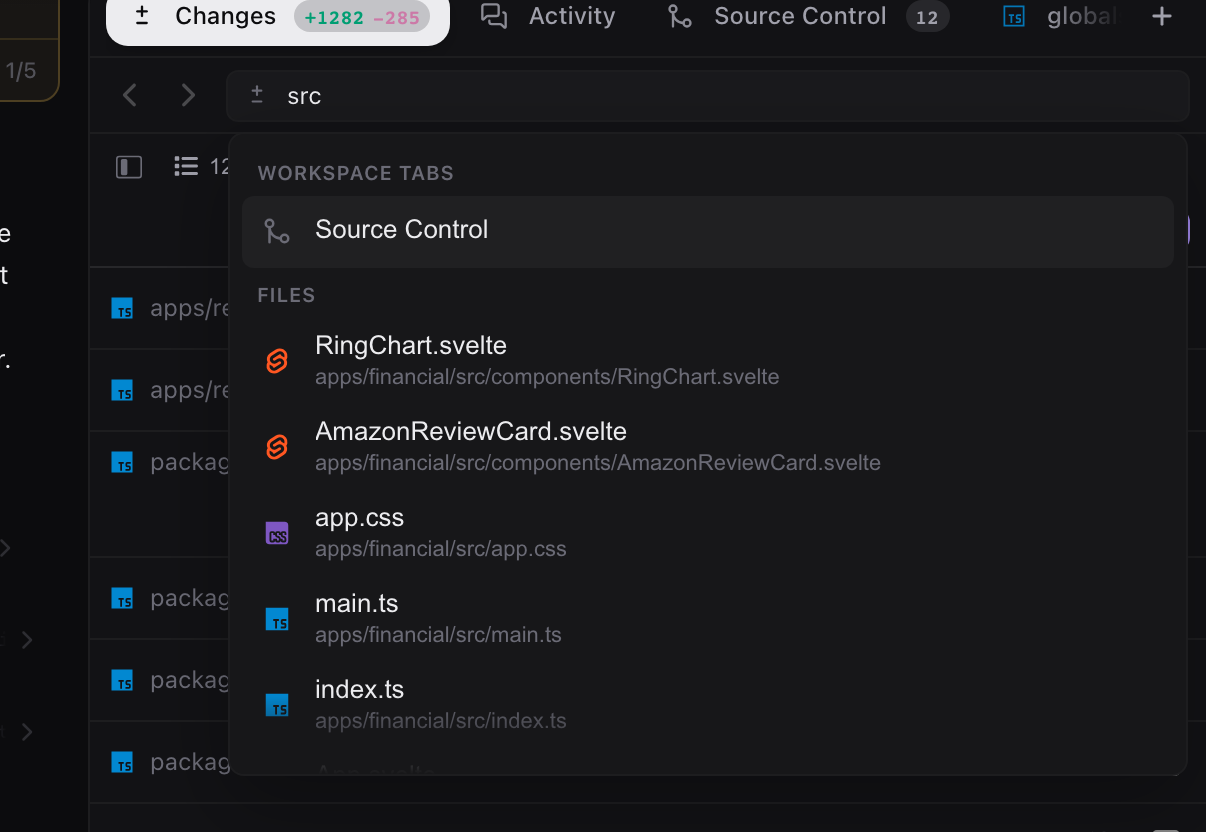
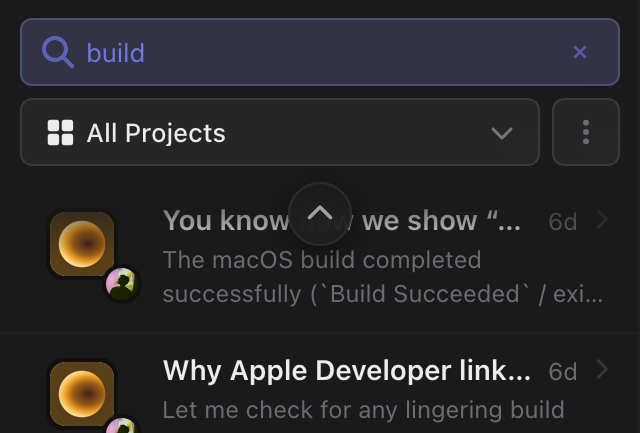
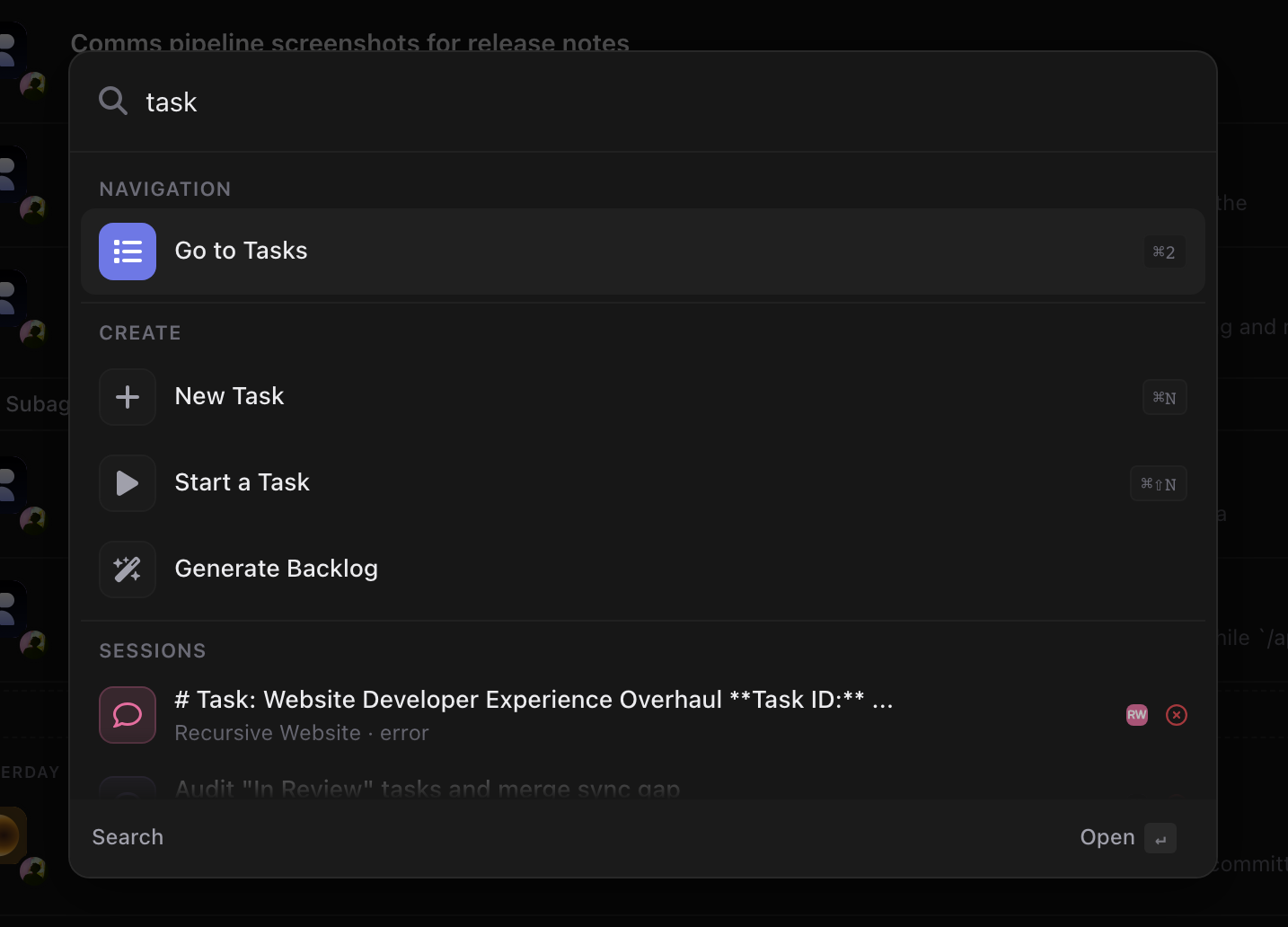
Upgraded platform search. Open Search from Home to reach sessions, tasks, plugins, settings, and memory from one place. Filter pills narrow results by kind, and richer metadata makes the right destination easier to spot before you jump.
A dedicated Memory library. Memory now lives on its own page with search, workspace and project filters, pinned briefings, and a scrollable note list. Open any vault page inline to read what agents saved without digging through settings.
Also in this release:
- Ask mode, its own plugin — Ask ships as a shared plugin with a dedicated read-only skill and a green question-mark identity in the mode picker.
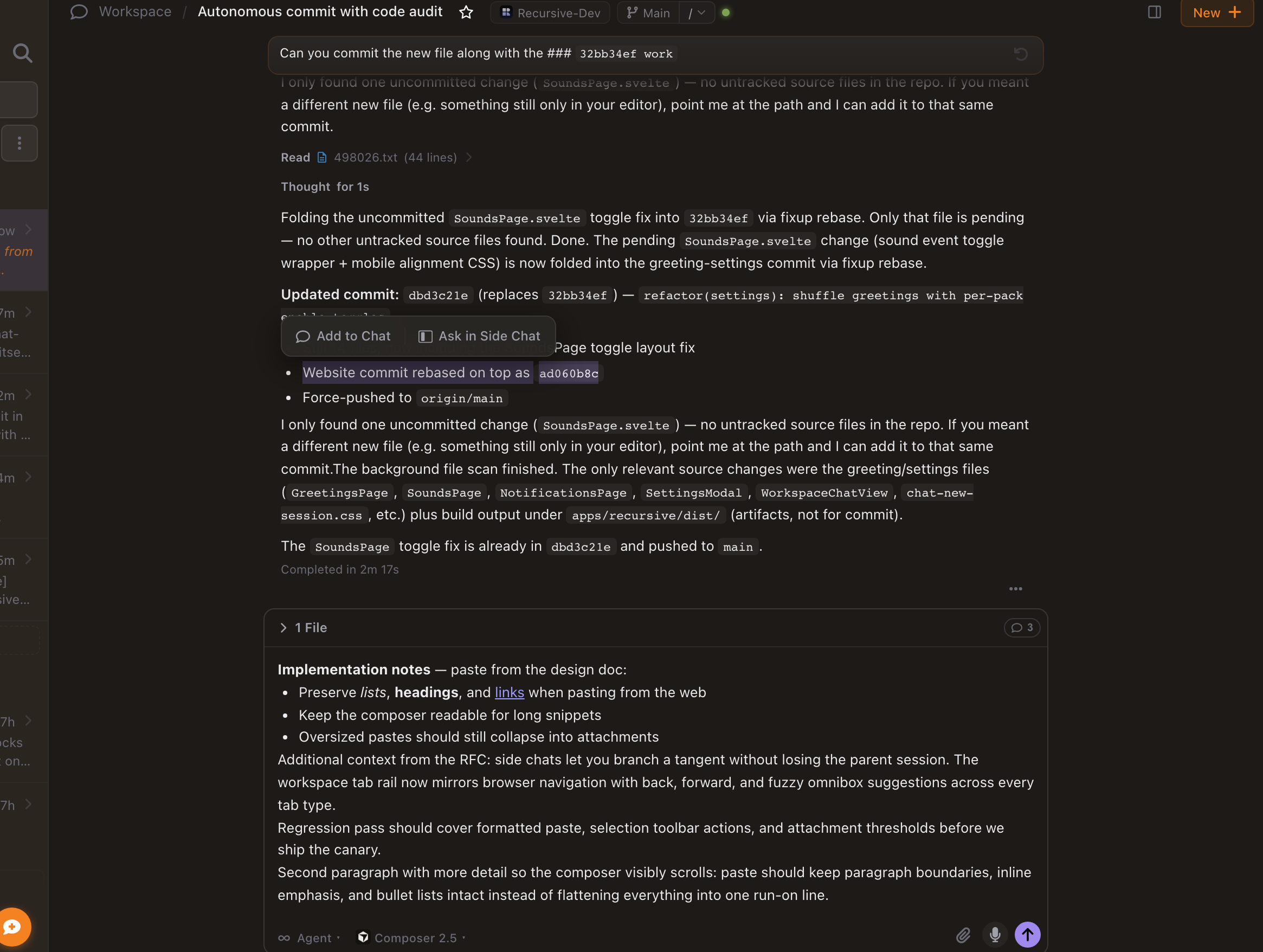
- Readable chips and mentions — session references, tasks, branches, and other entities resolve friendly labels with loading and unavailable states instead of raw IDs.
- Push notifications open the right place — tapping a notification routes to the matching inbox message or session instead of dropping you on Home.
- Marketplace plugin logos — listings and catalog entries show plugin thumbnails when a logo is available.
- Remote keeps up on mobile — the mobile web app updates itself and loads faster on return visits.
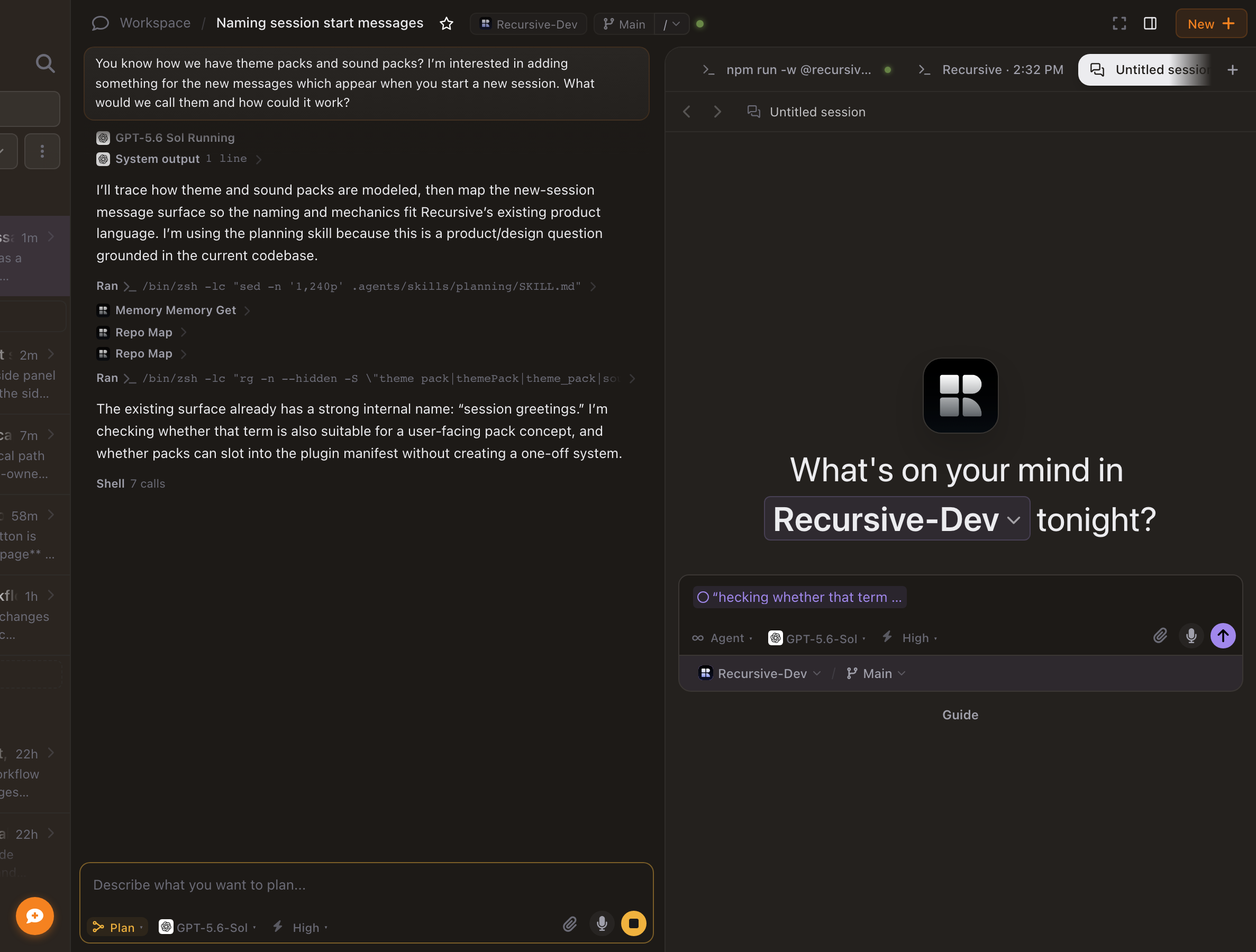
- Fresh session greetings — opening a new session rotates greeting templates without repeating the one you just saw.
- Browser favorites picker — saved addresses and favorites reuse the same entity picker as workspace tabs.
- Deferred tools in chat — workspace MCP and terminal tool calls render in chat cards even when their schemas are loaded on demand.
- Smoother chat scrolling — lazy-loaded history keeps stable entry identities, reading anchors, and bottom lock while older turns hydrate.
- Streaming markdown polish — assistant text animates in more cleanly, and Mermaid diagram previews use shared zoom and sheet chrome without layout jumps.
- Project tint on session cards — project color shows on session rows even when the card is not selected.
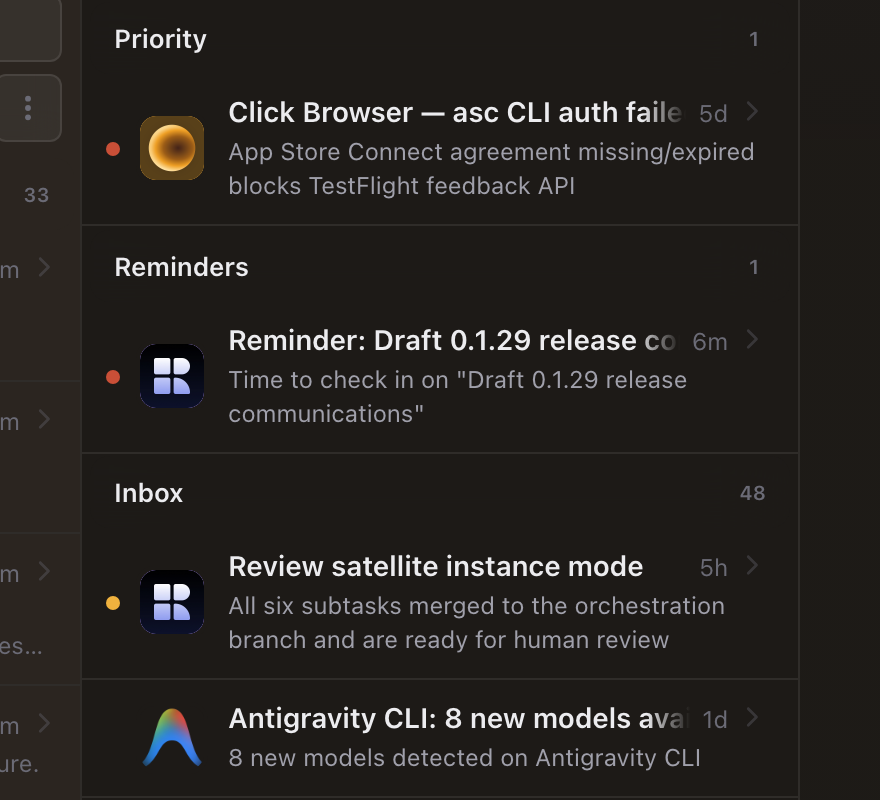
- Accurate inbox badges — unread counts refresh from server totals instead of drifting locally.
- Workspace MCP code mode — agents can chain deferred tool discovery and invocation through a bounded execute mode with namespace search hints.
Technical release details
Recursive 0.2.3 ships server-first feature clients across sessions, tasks, memory, and settings; liquid-glass mobile navigation; unified platform search; the dedicated Memory library page; remote mobile OTA delivery; and several chat/runtime reliability fixes.
Server-first feature clients
- Domain state lives in
packages/core-clientread models and plugin-owned clients (sessions/client,coding/client,settings/client,memory/client, …). Renderers subscribe instead of owning writable stores. ReplaceableShellHost.sveltepreserves maintained views across experimental shell swaps; release copy describes the user outcome (consistent state), not local-canary shell plugins.- Architecture reference: replaceable shells status; public contracts in shell SDK.
Machine-readable release contract
- The canonical release URL is
/releases/0.2.3. Its initial HTML contains the public release note plus a hidden, versioneddata-release-agent-notessection with these technical details. - Requests with
Accept: text/markdownreceive the generated Markdown mirror from the same canonical URL withVary: Accept, Accept-Encoding. - Stable discovery resources remain the agent index, developer docs, Product API reference, OpenAPI document, MCP documentation, and MCP well-known document.
Mobile tab bar and native chrome
MobileTabBar.svelteandCapsuleNavadd optional liquid-glass surfaces viaglass-interactionandglass-selectionactions; iOS native chrome integrates throughSSGlassTabBar.swiftandNativeChromePlugin.- Root mobile navigation publishes through
nativeNavBridge; four visible route slots plus optional search and overflow More sheet. - Route modules preload before tab navigation (
CoreAppShell.svelteeffect on$visiblePluginViews).
Unified platform search
core-server/lib/metadata-search.tsindexes entity metadata depth for palette queries.plugins/shared/search/lib/platform-search.tsandCommandPalette.svelteunify command discovery with filter pills (cmd-palette.filter.*) andsearch-controller.tsorchestration.- Contract extensions live in
core-contract/src/search.ts.
Memory library
- Named vault storage uses document layout under
memory://named/with gist listing, agent-scoped pages, and consolidated catalog pipeline. memory_write_page,memory_read_page,memory_list_pages, andmemory_delete_pageare the public vault APIs; hot memory stays capped with vault overflow.- Architecture reference: memory vault for Bots and Sessions.
- UI:
MemoryView.svelteat/memory— search, workspace/project facets, pinned briefing collapse, unified note list, inline file panel (data-surface="memory"/memory.detail).
Remote mobile delivery
- Mobile web OTA updates and faster return visits via cached remote UI delivery (
a540e783b,7ff1f71c2,b0f26cbe9). People-facing copy stays non-technical.
Workspace MCP extensions
workspace_mcpexecute mode runs bounded JavaScript withtools.search,tools.describe, andtools.call(85c708988).- Namespace search hints (
search_commit,search_browser, etc.) shortcut deferred catalog discovery; server recognizes hints as catalog checks (3f7c291d7).
Chat and runtime reliability
- History entry identities stay stable during lazy loading; reading anchors and bottom lock preserved through hydration.
- Provider transport frames filtered before history updates.
- Active turn principal restored on session continuation.
- Platform tool access preserved with bridge denial enforcement.
- Deferred
workspace_mcpand terminal tools surface in chat cards.
Ask mode plugin
- Ask mode moved from kernel-only routing to
plugins/shared/askwith manifest-ownedagent.modes, greencircle-questionidentity, and read-only skill resources. - Mode presentation flows through
referenceResolverand skill-mode catalog rows with loading placeholders in the composer pill.
Reference label resolution
entity-labels.tsbatchesentities.references.resolvelookups for chips, mentions, composer search, and hover previews.referencePresentationincore-typesstandardizes resolved, loading, and unavailable states; branch refs keyed by display name skip remote lookup when the label is already human-readable.
Push notification deep links
- Service worker
notification-clickroutes throughboot-core-shell-app.tsinto shell navigation (/inbox/:id, session routes). push-copy.tshumanizes titles and bodies at the transport boundary while preserving deep-link data, tags, and icons.
Plugin catalog presentation
plugin-static-http.tsserves logo thumbnails for marketplace listings and synced source catalog entries.local-interface-access.tsgates experimental interface plugins (bbcraft-shell,workbench-shell,starcraft-shell) to local canary hosts.
Other visible changes
- Session greetings rotate without immediate repeats (
pickSessionGreetingTemplatehistory inWorkspaceChatView.svelte). - Browser tab entity picker reused for favorites and addresses.
- Markdown relative links resolve against source file path.
- Mermaid preview overlays adopt shared
ds-asset-previewtokens andSheetHeader. - Goals entity removed from core platform; default sync categories no longer include goals.
Verification references
- Liquid glass notes
- Unit tests:
MobileTabBar.test.ts,metadata-search.test.ts,platform-search.test.ts,search-controller.test.ts,MemoryView.test.ts